SCADBench
The OpenSCAD Language Model Arena.


Leaderboard
Based on ELO rating system from crowdsourced blind comparisons.
| Rank | Model | ELO Rating | Win Rate | Matchups |
|---|---|---|---|---|
 Loading leaderboard... Loading leaderboard... | ||||
Gallery
Browse all AI-generated 3D models.
Loading gallery...About SCADBench
What is this?
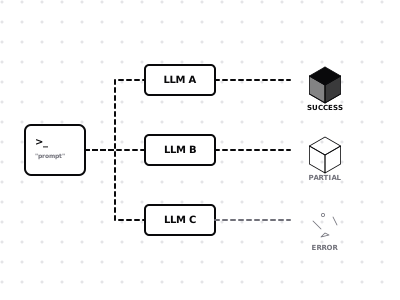
SCADBench is a benchmark that evaluates how well AI language models can generate 3D objects. We send the same text prompt to multiple AI models and ask them to write OpenSCAD code — a programmatic 3D modeling language. The code is then compiled into real 3D geometry and rendered with PBR materials.
How does voting work?
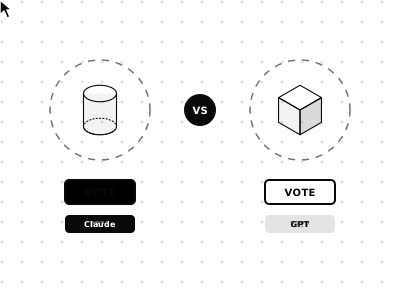
In the Arena, you're shown two 3D models generated from the same prompt. The AI model names are hidden. You can rotate and inspect each model in the 3D viewer, then vote for which one is better. After voting, the model names are revealed.
How are ratings calculated?
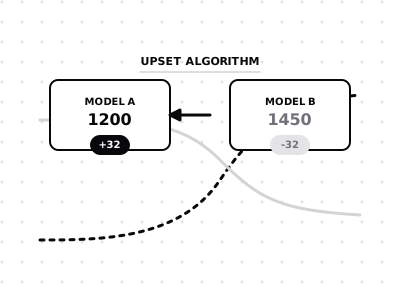
We use the ELO rating system (the same system used in chess and by Chatbot Arena). Every model starts at 1200. When you vote, the winning model gains ELO points and the loser drops — with the amount depending on the relative ratings. An upset (low-rated model beating a high-rated one) causes a bigger shift.
The Pipeline
Every model in the arena is generated through a fully automated 6-step process.
Prompt via API
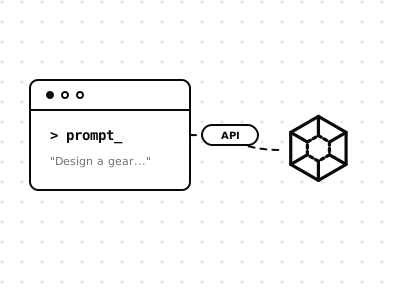
A text prompt is sent to an AI model via the OpenRouter API, asking it to generate OpenSCAD code for a 3D object.
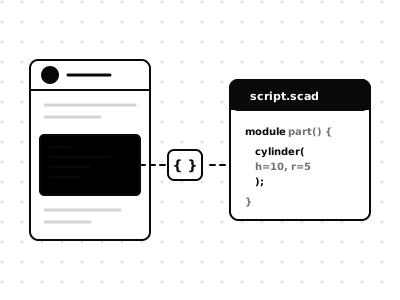
Code Extraction
The raw LLM response is parsed to extract clean OpenSCAD code from markdown fences and formatting.
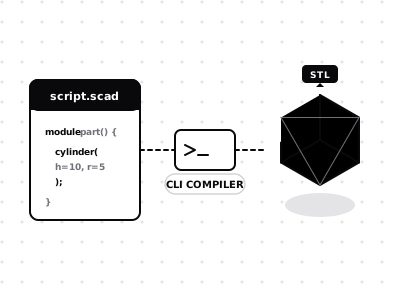
STL Compilation
The OpenSCAD CLI compiles the code into STL mesh geometry — real, solid 3D triangles.
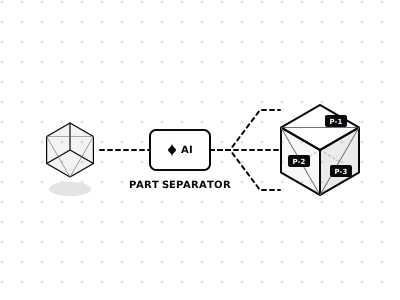
AI Part Separation
The AI splits the model into distinct visual parts — each rendered as a separate STL for multi-material assignment.
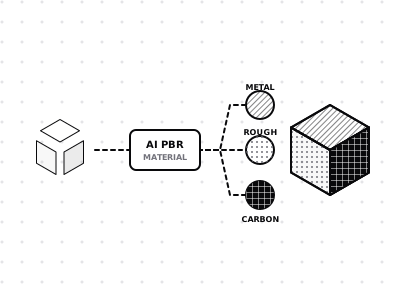
PBR Material Mapping
The AI assigns physically-based rendering materials to each part — colour, metalness, and roughness values.
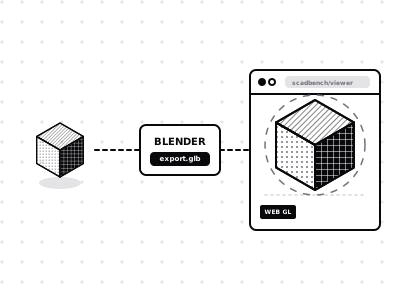
Blender Render & Export
Blender imports the parts with PBR materials, renders a preview, and exports a GLB file for interactive web viewing.

Support SCADBench
Every generation costs real API calls across models like Claude, ChatGPT, and Gemini — plus rendering infrastructure. If you find this benchmark useful, consider helping keep it running.
Buy Me a Coffee